Live
Enrolla
Framer template
A launch page template for coaches selling an online course or cohort. One CMS-driven Course component shows the curriculum four ways.

Status
Live on the Framer Marketplace
Enrolla: Framer template for online courses

Enrolla is a launch page template I designed and built in Framer for coaches selling online courses and cohorts. It comes with the sections course creators need already working: curriculum, offer deadline, pricing, testimonials, bonuses and a waitlist. Everything is editable without code, and a Start here page in the project walks buyers through setup.
Four course layouts from one component

The curriculum is one Course component with a Format control: accordion, timeline, roadmap or agenda (in 1, 2 or 3 columns). Each format has desktop, tablet and phone variants, and they all read the same two CMS collections. Component controls switch dates, the module label and video previews, so buyers change the layout without rebuilding anything.
CMS-driven curriculum
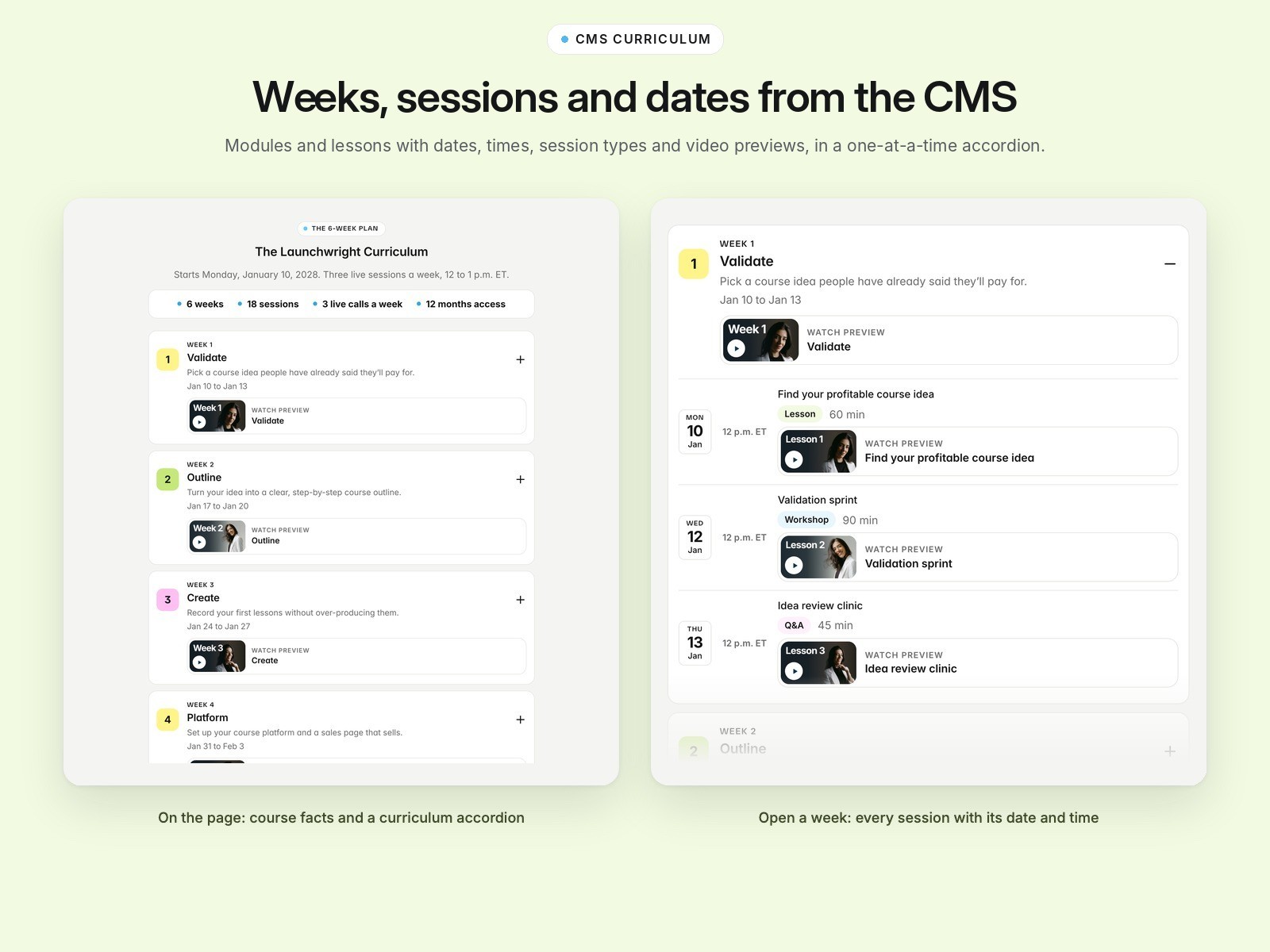
Modules and lessons live in the CMS with dates, times, session type, length and an optional preview video. Lists follow the CMS drag order, module numbers come from that order, and the accordion opens one week at a time. Keeping it to two collections means the template works on Framer’s Basic plan.
Phone, tablet and desktop layouts
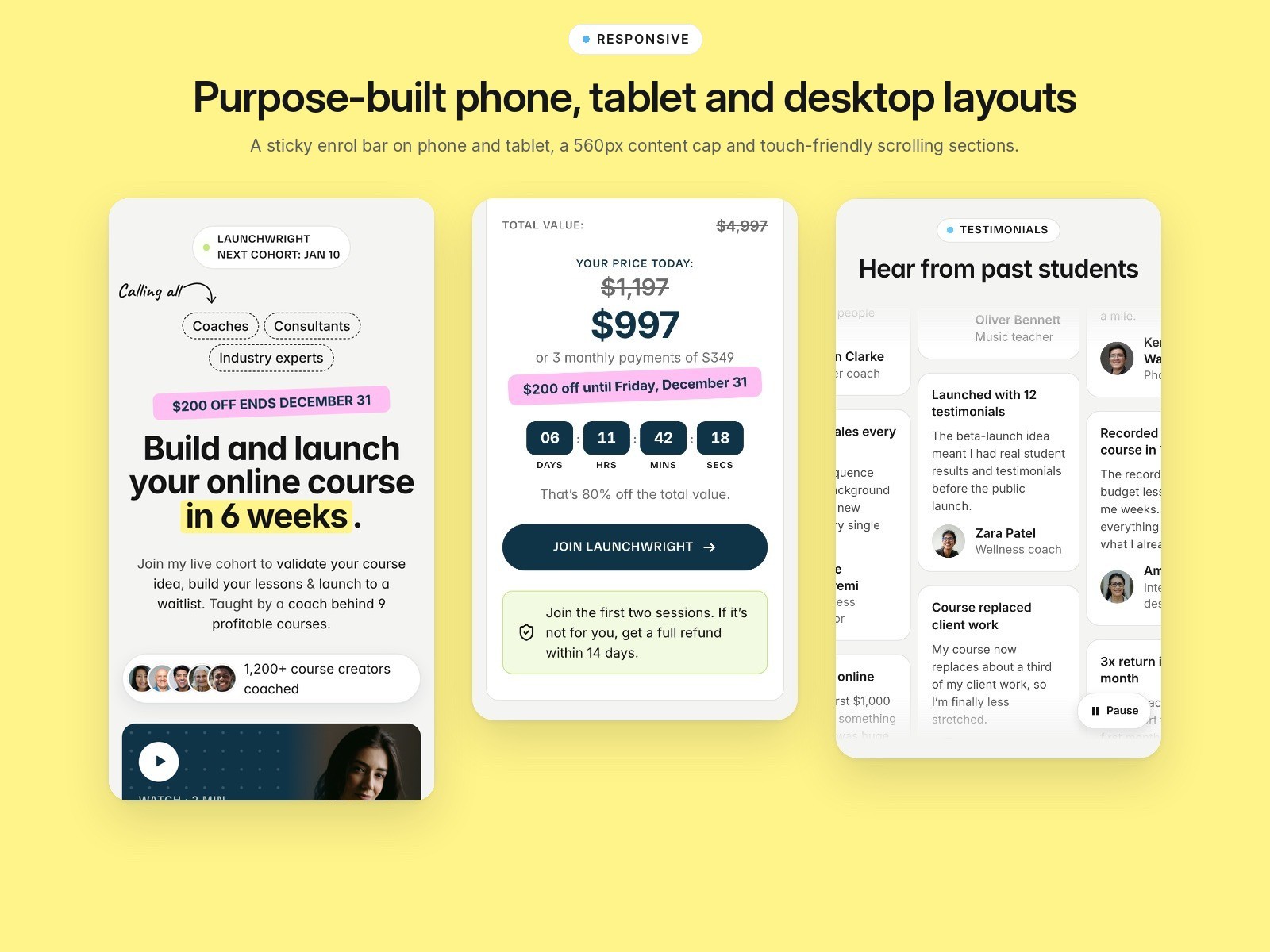
Every section has its own phone, tablet and desktop layout rather than one layout squeezed down. On phone and tablet, a sticky enrol bar appears once the hero button scrolls away and hides at the price and final call to action. Phone content is capped at 560px, and sticky card stacks switch off if a card is too tall for the screen.
Countdown offer from one end date
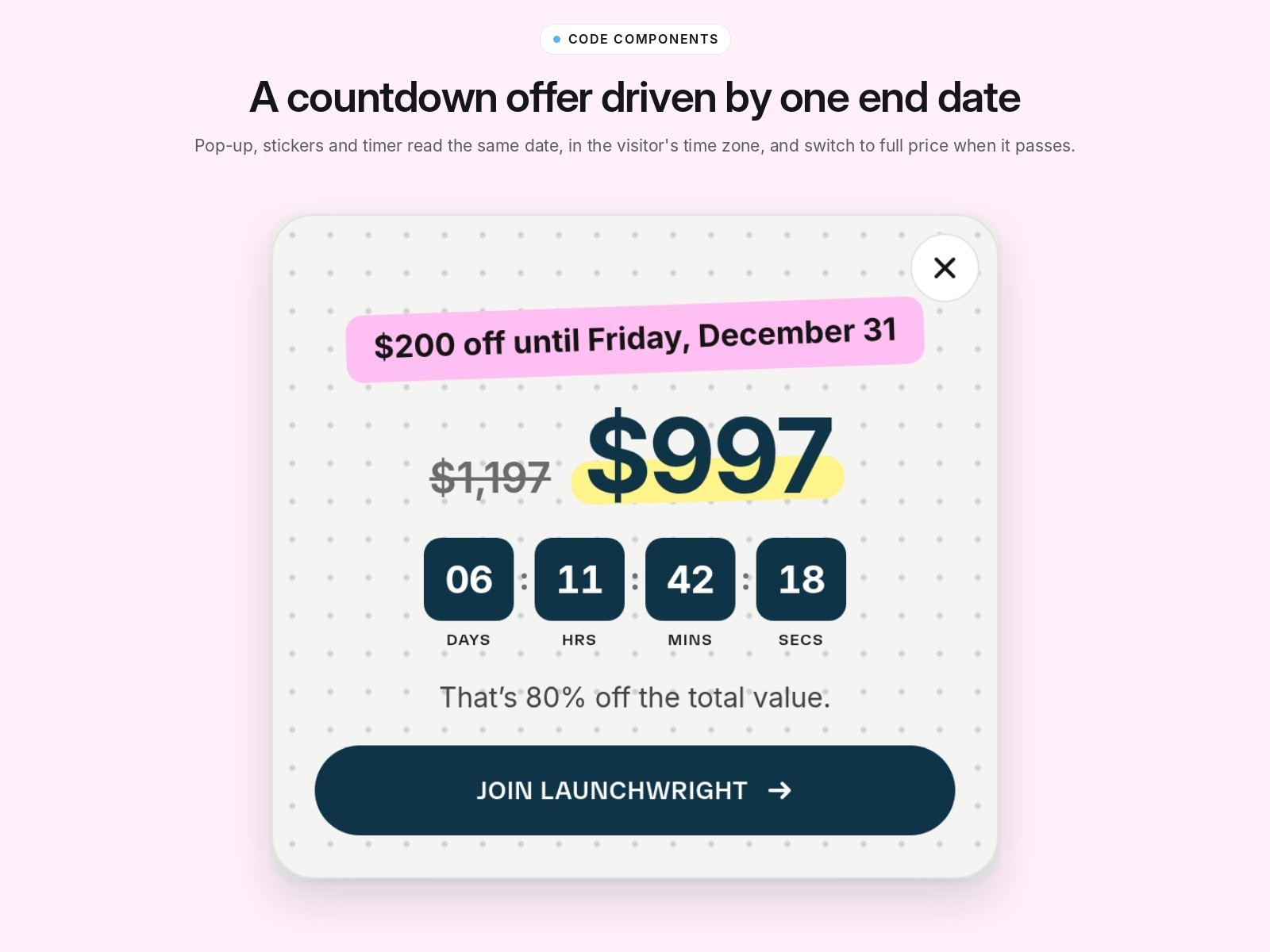
One End date drives the countdown, the offer stickers, the offer pop-up and the price. Dates show in the visitor’s time zone, and when the date passes the timer, stickers and pop-up hide and the full price shows. An Offer switch turns the whole offer off in one place.
Accessible testimonial wall
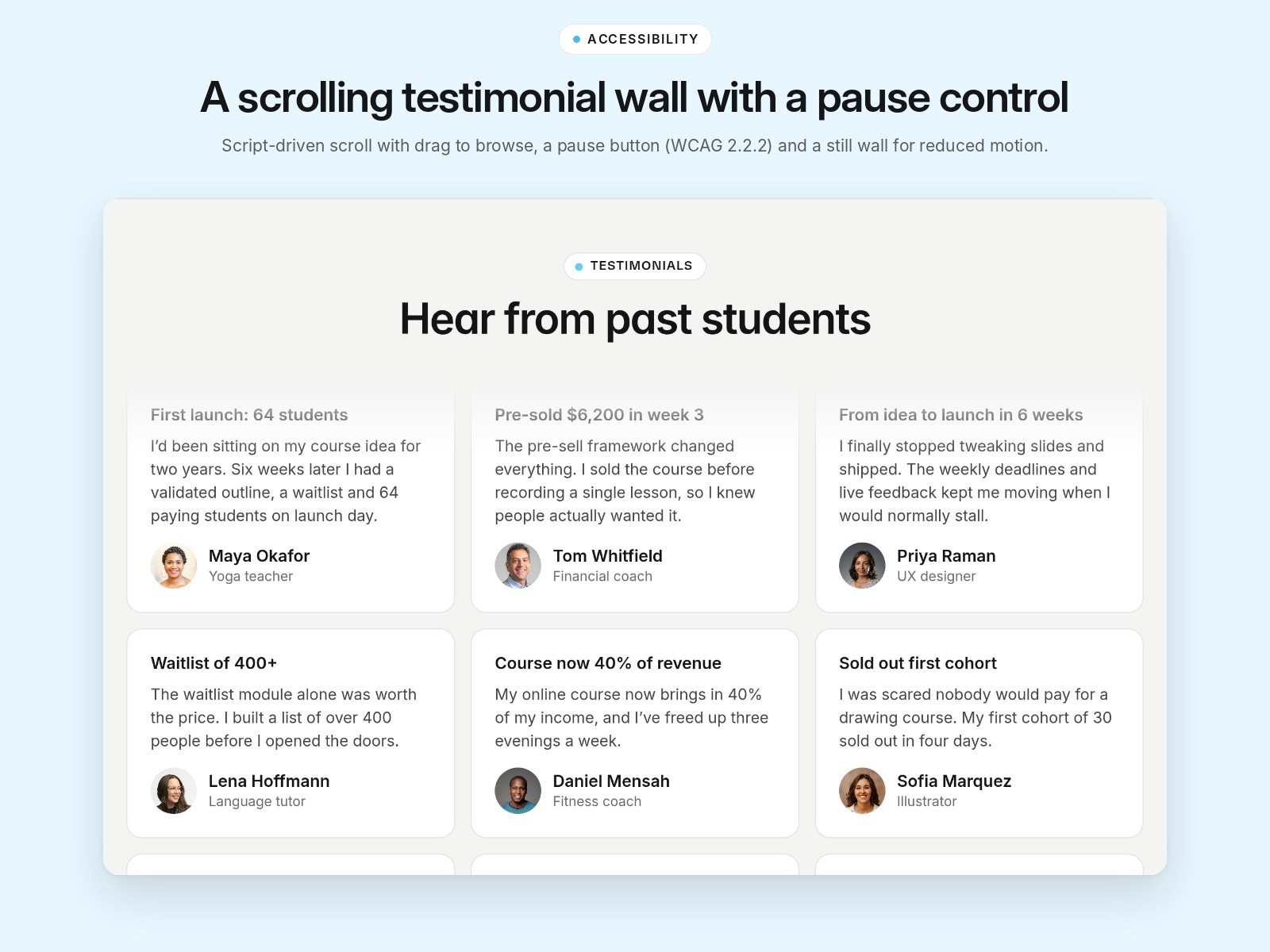
The testimonial wall scrolls by script rather than CSS animation, so it can be dragged with a mouse and swiped between columns on phone. A Pause button shows whenever anything moves (WCAG 2.2.2), and the wall stays still for visitors who prefer reduced motion. Featured cards also take video testimonials, which open in a native dialog.
Bonus covers without images
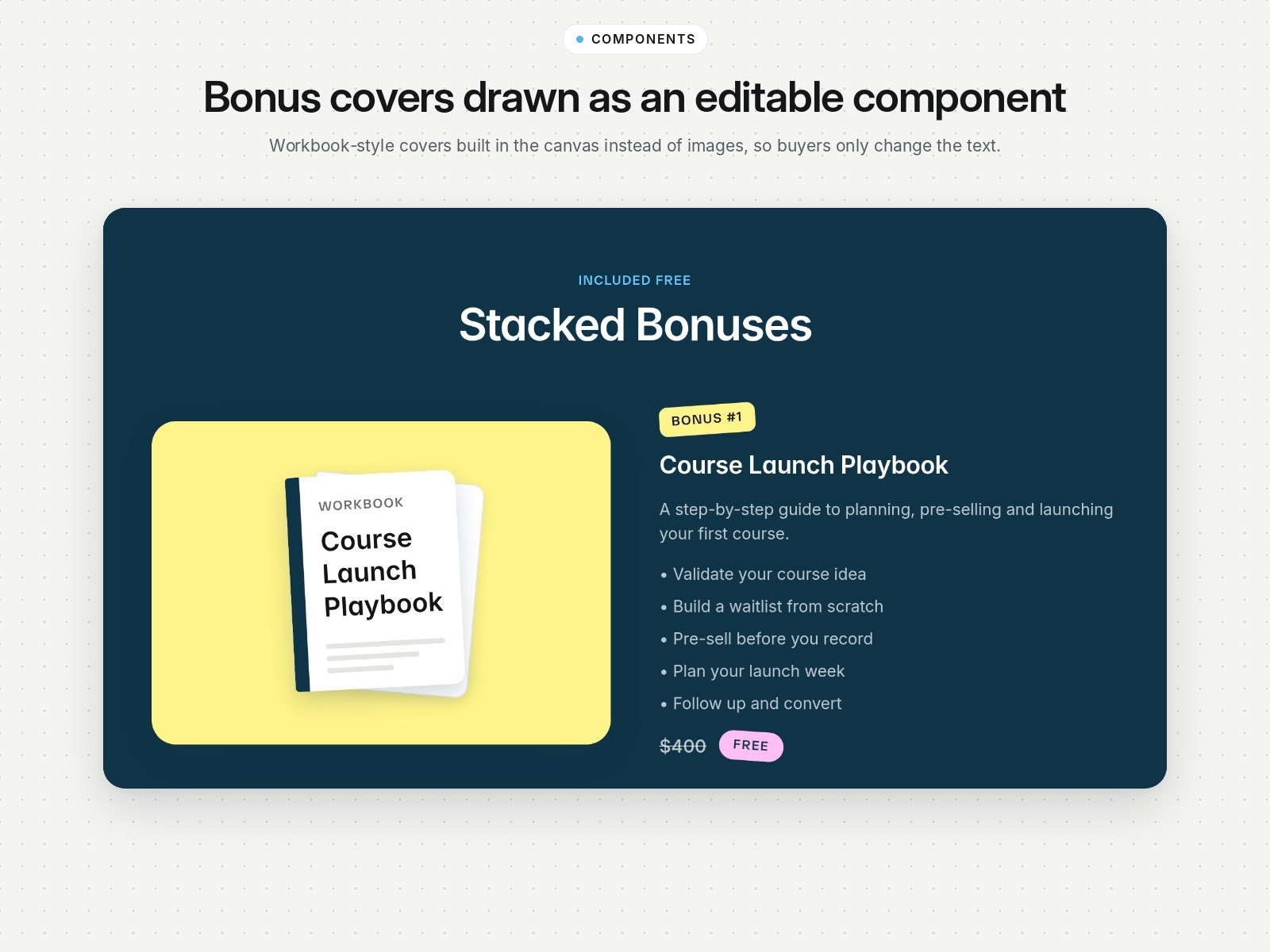
Bonus visuals are a Bonus Cover component drawn in the canvas instead of exported images. Buyers type a new title and the cover updates, so there’s nothing to design in another tool.
Supporting pages
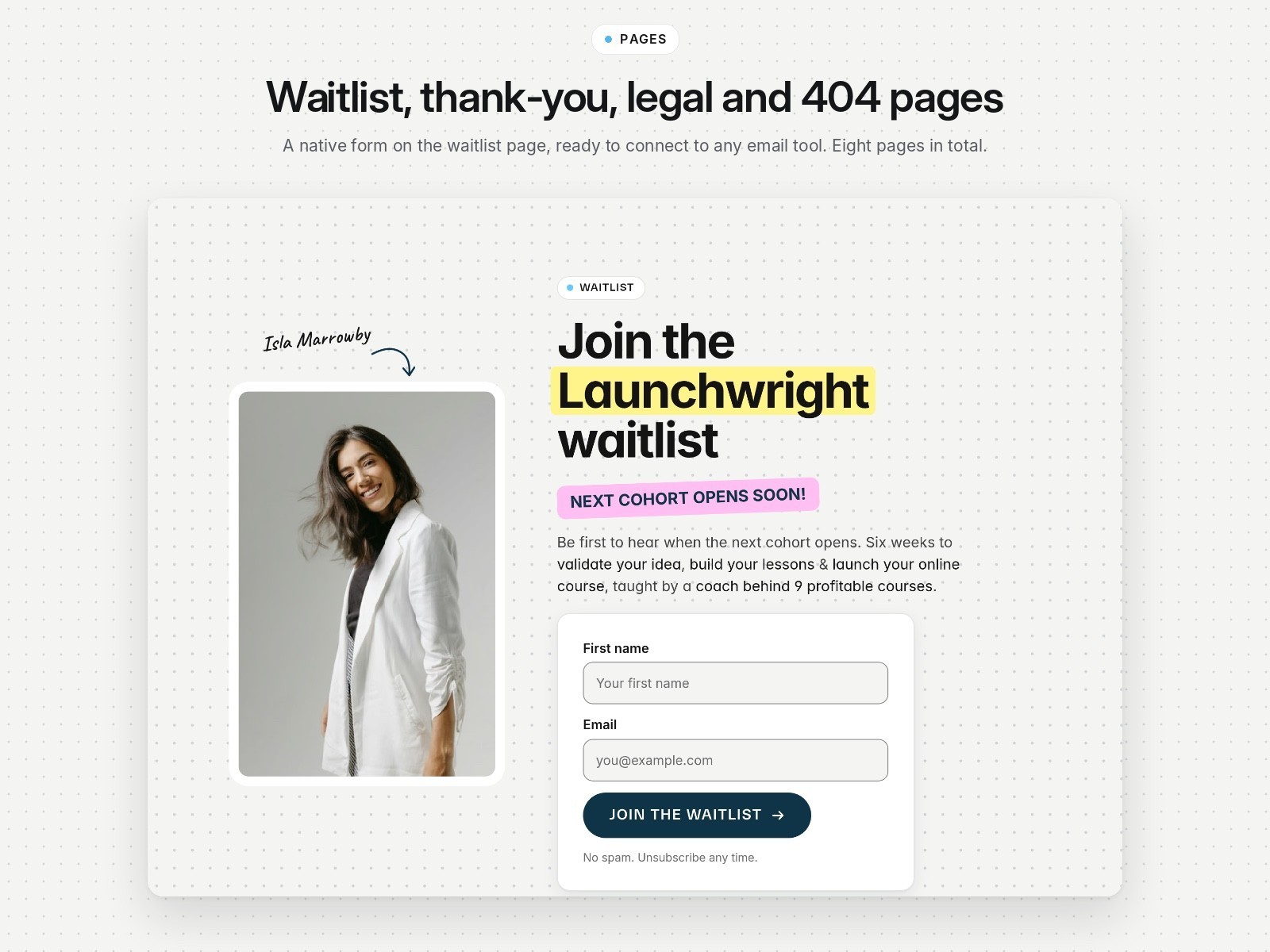
Alongside Home, the template includes a waitlist page with a native form, a thank-you page, privacy, terms and 404 pages. Every page uses the same skeleton, so short pages fill the screen with the footer at the bottom. A showcase page demonstrates every component option for buyers.
See it live
See the Framer Marketplace listing or try the live demo.